


Set up your wedding website flow
Learn how to prepare content, guests, RSVP, links, and dashboard-ready details.
- 1Prepare wedding details
- 2Organize guest list
- 3Review RSVP needs
- 4Publish and share
Use practical guides for setup, wording, RSVP planning, Canva templates, and launch decisions.

A few helpful places to begin before choosing, editing, or sharing your wedding website.
Browse guides by topic, product, or wedding preparation stage.

Stories, ideas, and editorials for modern wedding websites.

Helpful planning notes for preparing your digital wedding experience.

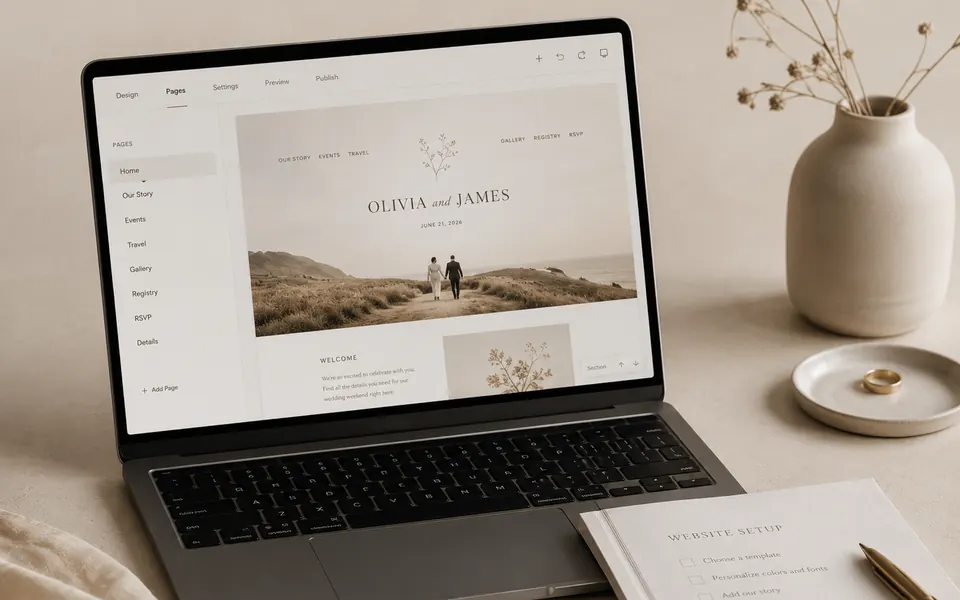
Setup and editing guidance for the Full Wedding Site experience.

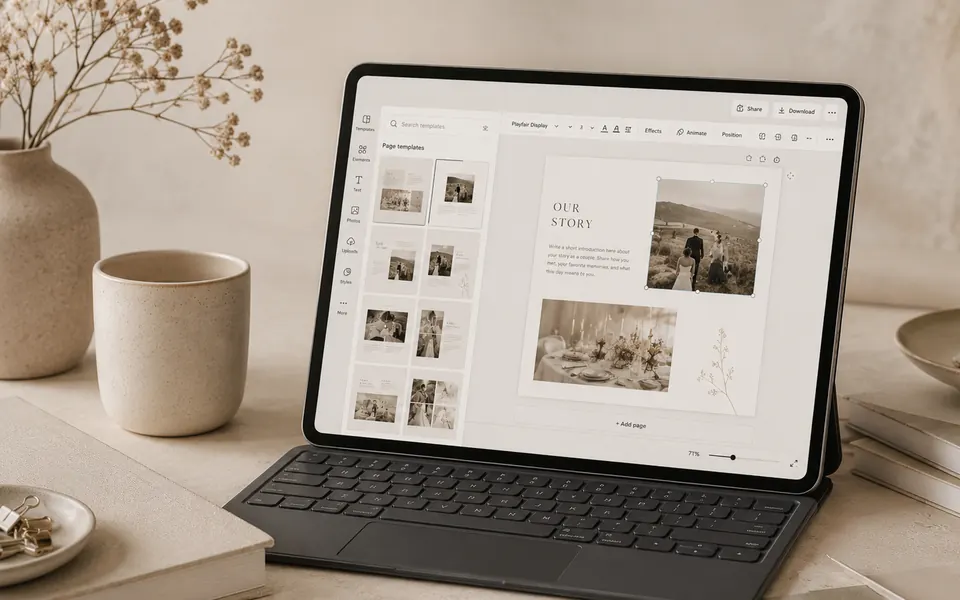
Simple guidance for editing and publishing your Canva template.

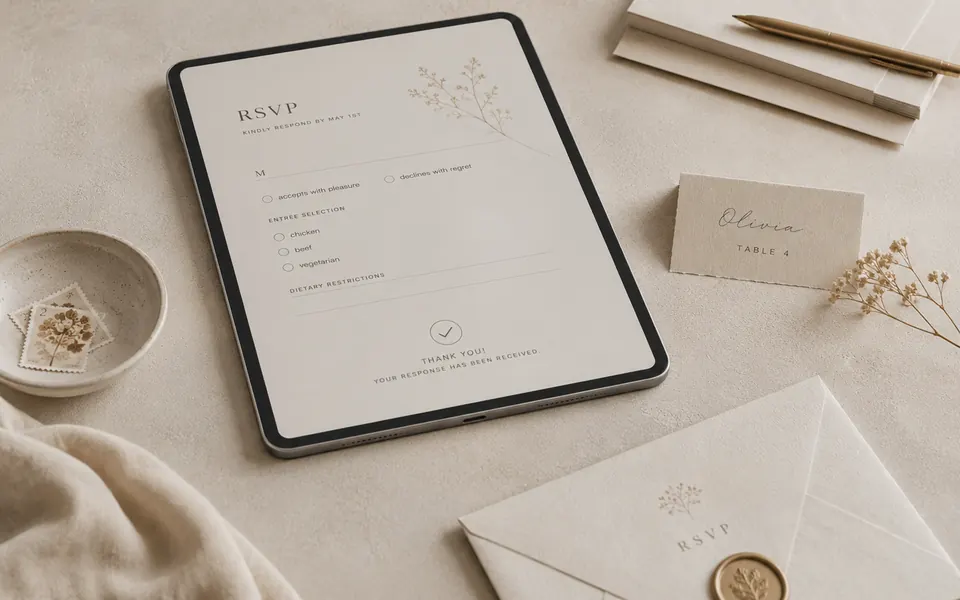
Plan a smoother guest response flow from invitation to confirmation.

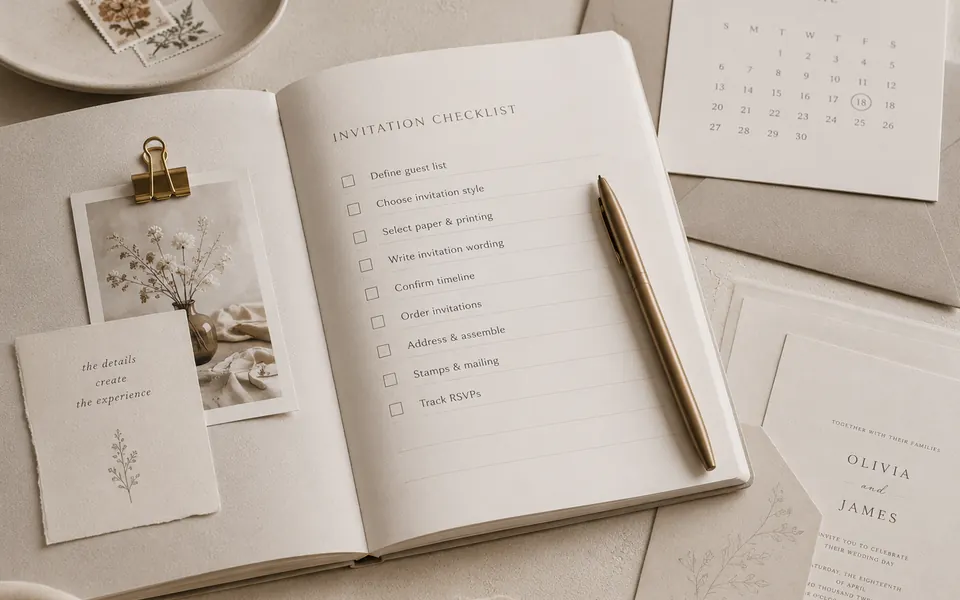
A clear preparation list before you build or publish your wedding website.

Curated words for welcome notes, details, RSVP, gifts, and closing messages.

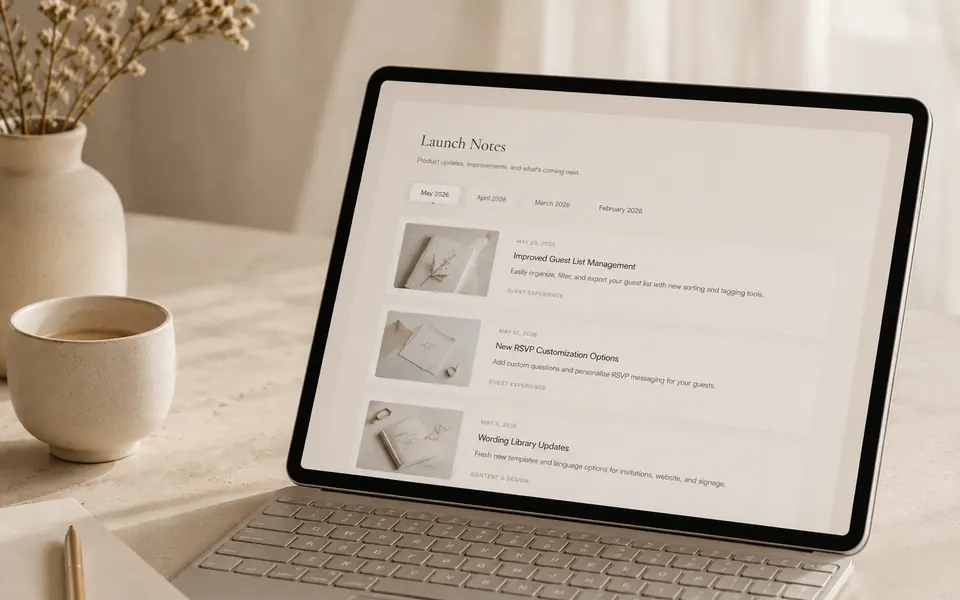
Transparent updates about what is available, what is improving, and what comes next.
Choose a path based on what you are trying to prepare, edit, or understand.

Learn how to prepare content, guests, RSVP, links, and dashboard-ready details.

Prepare your copy, images, colors, and publish-ready details before editing in Canva.

Use checklists and wording prompts to collect everything before choosing a product.
Prepare the details once, then use them across your website, RSVP, and sharing flow.
Browse short wording patterns for welcome notes, RSVP, dress code, gifts, and closing messages.
With joy, we invite you to celebrate the beginning of our next chapter.
Please let us know if you will be joining us by the date shown below.
We kindly invite you to dress in formal evening attire.
Your presence is more than enough, but a small registry is available for those who wish.
Thank you for being part of a day we will always remember.
Resources should help couples understand the flow quickly, with previews, checklists, and guided examples.

See what needs to be prepared before editing or publishing.

Understand how guests move from invitation to response.

Preview what can be changed before opening the template.

Prepare your guest links, WhatsApp message, and final invitation preview.
FazenHaus is being shaped carefully as a design-led wedding website platform. Product scope, updates, and availability remain clear before purchase.
Core public pages, product positioning, demo previews, and Canva template direction.
Full Wedding Site flow, In-Haus Editor UI, dashboard experience, and product-ready demo systems.
Backend integration, account flow, payment, order claim, email automation, and admin tools.
Choose the closest situation, then follow the suggested resource path.
I am still choosing a product.
SuggestedStart with product comparison and guide paths.
I already bought a Canva template.
SuggestedStart with Canva Guides and Wording Library.
I need RSVP clarity.
SuggestedStart with RSVP Guides and Invitation Checklist.
I want to prepare my content.
SuggestedStart with Checklist and Wording Library.
Explore the guides, choose your product path, then move into your wedding website setup with fewer scattered decisions.