

The quiet power of a well-structured RSVP form
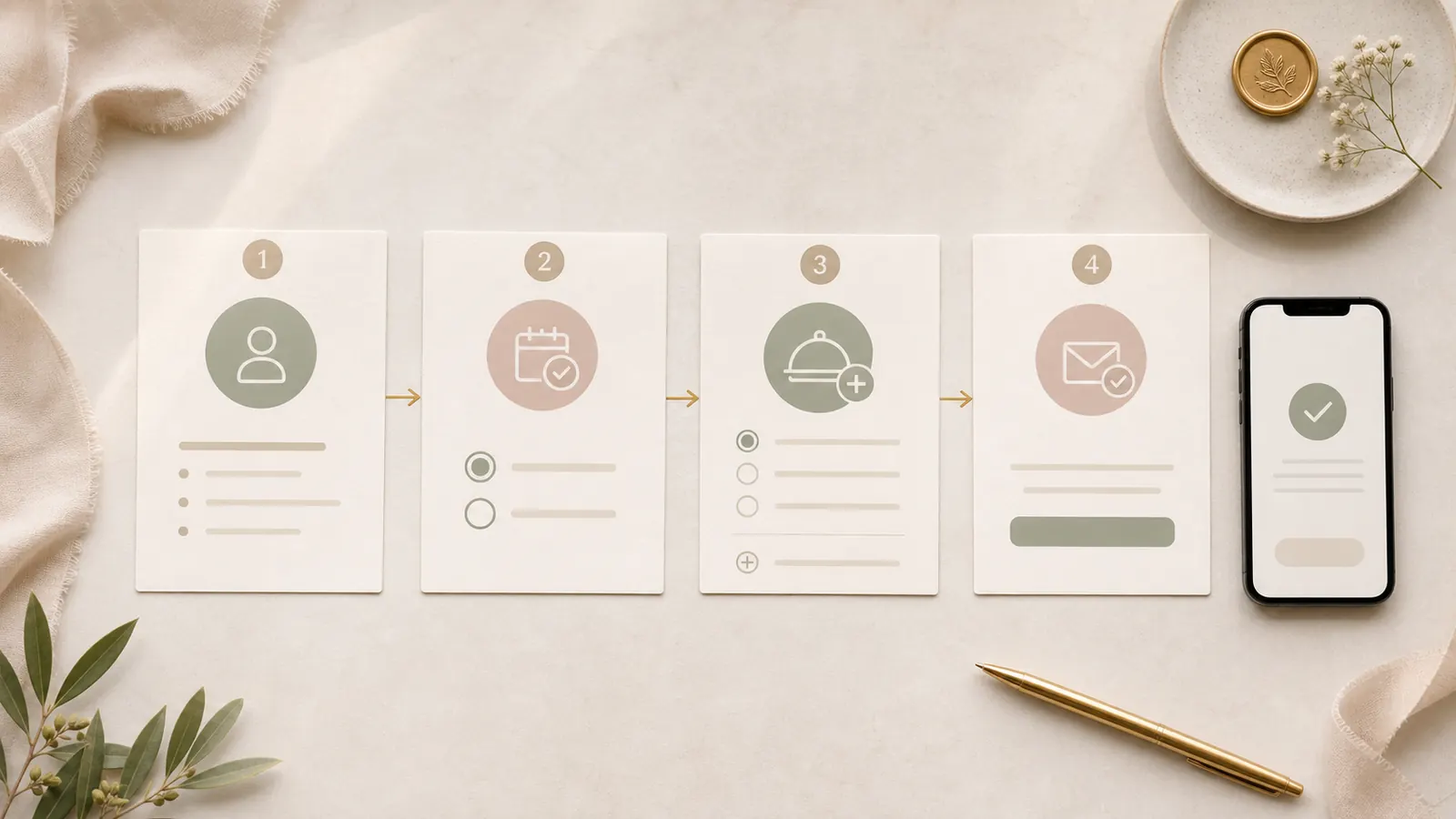
A calm RSVP form collects the minimum information required to host guests well while making the next step obvious on every screen.
An RSVP form is a small interface with a large job. It has to feel simple for guests while producing reliable information for the couple, venue, caterer, and planning team. When the form is unclear, the missing details return later as manual follow-up work.
The strongest forms remove unnecessary questions and make the next action obvious. That matches the principles in Nielsen Norman Group's form-design guidance: ask only what is needed, group related information, and reduce the effort required to complete the task.
Start with the response guests came to give
The first meaningful question is attendance. Do not make guests pass through decorative questions or long instructions before they can respond. Confirm the guest or household, then ask whether they can attend.
If your celebration includes several events, show only the relevant choices. Make labels specific enough that guests understand what each response covers.
Collect only details that trigger an action
Every additional question should have a decision behind it. Dietary restrictions affect catering. Accessibility notes affect hosting. A shuttle question affects transport planning. A vague open comment field may create work without improving the plan.
When a question is optional, say so. When a deadline matters, place it close to the action instead of relying on guests to remember it from the invitation message.
- Attendance for the correct event or events
- Household members attending
- Dietary or accessibility notes when actionable
- Transport needs when transport is being coordinated
- A concise update path if plans change
Make plus-one and household rules explicit
Guests should not need to interpret the form to understand who is invited. Use the invitation context to show the appropriate household members and options. Clear rules prevent awkward clarification messages later.
A personal Guest Link can make this smoother by bringing the correct guest context into the form.
Use a clear confirmation state
After submission, confirm what happened. Thank the guest, summarize the response, and explain how to update it if plans change. A vague success message leaves people unsure whether the form worked.
Keep confirmation copy calm and direct. The guest should not need to submit twice for reassurance.
Plan the follow-up before you send invitations
Decide how you will identify missing responses, when reminders will go out, and who owns direct follow-ups. A form is part of a system, not the entire system.
Record offline replies in the same source of truth. For the wider process, read what couples get wrong about wedding guest management.
- Set the RSVP deadline before invitations are shared.
- Review incomplete responses before sending reminders.
- Send one friendly reminder with the direct link.
- Handle remaining guests with a personal follow-up.
A quick review before you move on
Before you publish, send, or revise anything, run one focused review. This takes less time than handling avoidable questions later. Check the points below with the person who owns the website or guest list, then make the next decision from one reliable version of the plan.
- Ask attendance before secondary detail
- Keep only questions with an operational purpose
- Make household and plus-one rules explicit
- Test the confirmation and update path
A good RSVP form feels small to the guest because the planning work behind it has already been done.
FazenHaus editorial note
Frequently asked questions
How many questions should a wedding RSVP form include?
Should we include an open comment field?
Can guests change their RSVP later?
A clear plan makes the digital invitation easier to publish and easier to use. Explore the Full Wedding Site, browse Canva Wedding Website Templates, or return to the FazenHaus Blog.